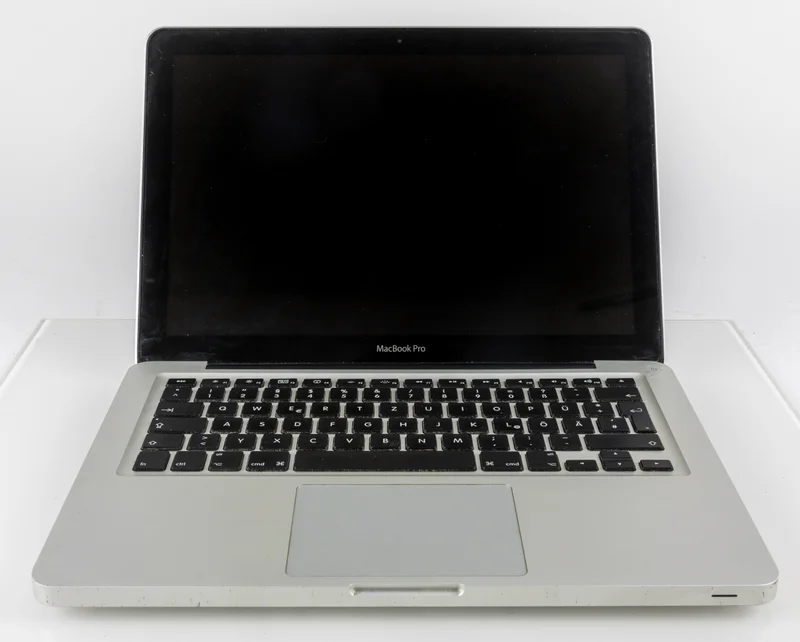
MacBook Pro with Touch Bar (2016)
Introduced the Touch Bar OLED strip and Touch ID. Controversial butterfly keyboard in new thin design.
The 2016 MacBook Pro replaced the function keys with a screen and every port with USB-C, and professionals argued about it for five years. The Touch Bar was a thin OLED strip showing controls that changed with the application: scrubbing video, picking emoji, Photoshop tools. Touch ID sat beside it in the power button, bringing fingerprint unlock and Apple Pay to the Mac. Four Thunderbolt 3 ports replaced USB-A, HDMI, the SD slot and MagSafe. An entire professional user base acquired a drawer of dongles more or less overnight. The keyboard was the real damage. Apple refined the 12-inch MacBook's butterfly mechanism and put it here, and dust and crumbs under the low-travel switches left keys sticking or dead for a meaningful share of owners, which ended in an extended repair program and years of class actions. Design and creative buyers took to the thinner chassis and the brighter, wider-gamut display, while developers and writers who wanted a physical Escape key bought the non-Touch-Bar 13-inch instead. Apple went back to scissor switches by 2020. It dropped the Touch Bar in 2021, having never persuaded third-party developers to support it.
Mac History Timeline
Full Specifications
Availability
Processor
Memory
Storage
Display
Graphics
Expansion
Connectivity
Physical
Processor Deep Dive
Intel Core i5/i7 (Skylake)
IntelThese 14nm Skylake dual-core mobile chips, clocked between 2.0 and 2.9GHz, offered solid single-thread performance gains and improved Iris graphics over the prior Broadwell generation, while running within tight thermal envelopes suited to the redesigned thinner chassis. Against AMD's mobile APUs of the era, which still trailed badly in both raw CPU performance and power efficiency, Intel maintained firm dominance in the premium laptop segment. Skylake's refined 14nm process allowed Apple to push clock speeds higher than the 12-inch MacBook's Core M chips while keeping the new Touch Bar MacBook Pro fanless-quiet under light loads.
Compatible Operating Systems

macOS Sierra 10.12.1
Launch OS2016
Launched alongside the first Touch Bar MacBook Pro models.

macOS High Sierra 10.13
Compatible2017
Added APFS and improved Touch Bar software integration.

macOS Mojave 10.14
Compatible2018
Brought Dark Mode, well suited to the Touch Bar's OLED strip.

macOS Catalina 10.15
Compatible2019
Continued full support for this Skylake-based Touch Bar model.

macOS Big Sur 11
Compatible2020
Ran well despite being four years old at the time of release.

macOS Monterey 12
Compatible2021
One of the later releases still officially supporting this generation.

macOS Sonoma 14
Max Supported2023
The final officially supported macOS release for the 2016 Touch Bar MacBook Pro.
Reviews & Reception
The 2016 Touch Bar MacBook Pro drew praise for its sleek design and new features but was persistently dogged by criticism of its butterfly keyboard reliability and dongle-heavy port transition.
The Touch Bar is a genuinely clever idea that occasionally feels more gimmick than tool, and losing every familiar port for USB-C alone is going to be a rough transition for a lot of pros.
This is the thinnest, lightest MacBook Pro ever, with a gorgeous new display, but the shallow new keyboard will take real adjustment, and not everyone will love it.
Reports of sticking keys on the new butterfly mechanism are becoming impossible to ignore, and it's a real concern for a machine marketed at professionals who can't afford downtime.
Touch ID and the Touch Bar are welcome, forward-looking additions, and this is unmistakably a beautiful machine, even if the all-USB-C port situation demands a bag full of dongles.